

Recent News
View all
Developer Meetup: Platform Analytics in Next Experience
SN Utils unveiled: 90 minutes to master the essentials and beyond

Highlighted Values sample of available colors and variants

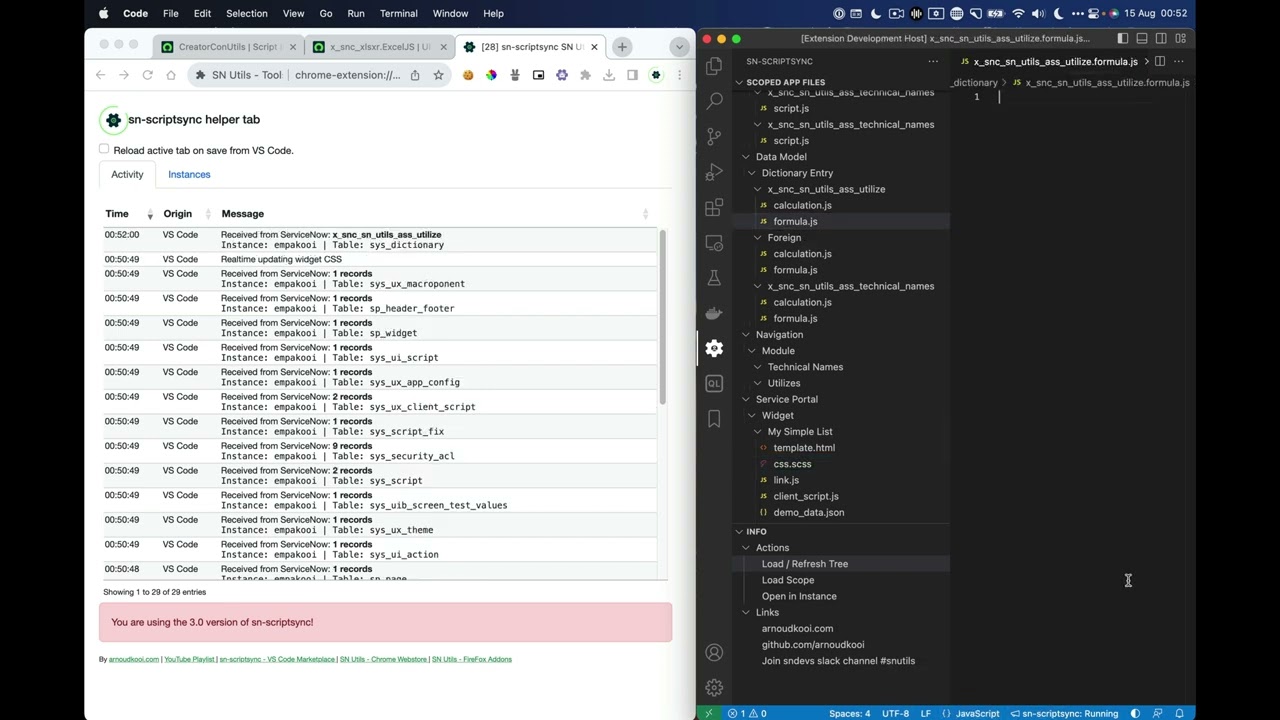


Creating new Declarative Action Assignments in the sys_declarative_action_assignment table

SN Utils - Navigator search and history in Slashcommands
 Arnoud Kooi
·
about 3 years
Arnoud Kooi
·
about 3 years
Adding Playbook as a Record Page Tab to ServiceNow Configurable Workspace Part 2/2
Arnoud Kooi
·
over 3 years
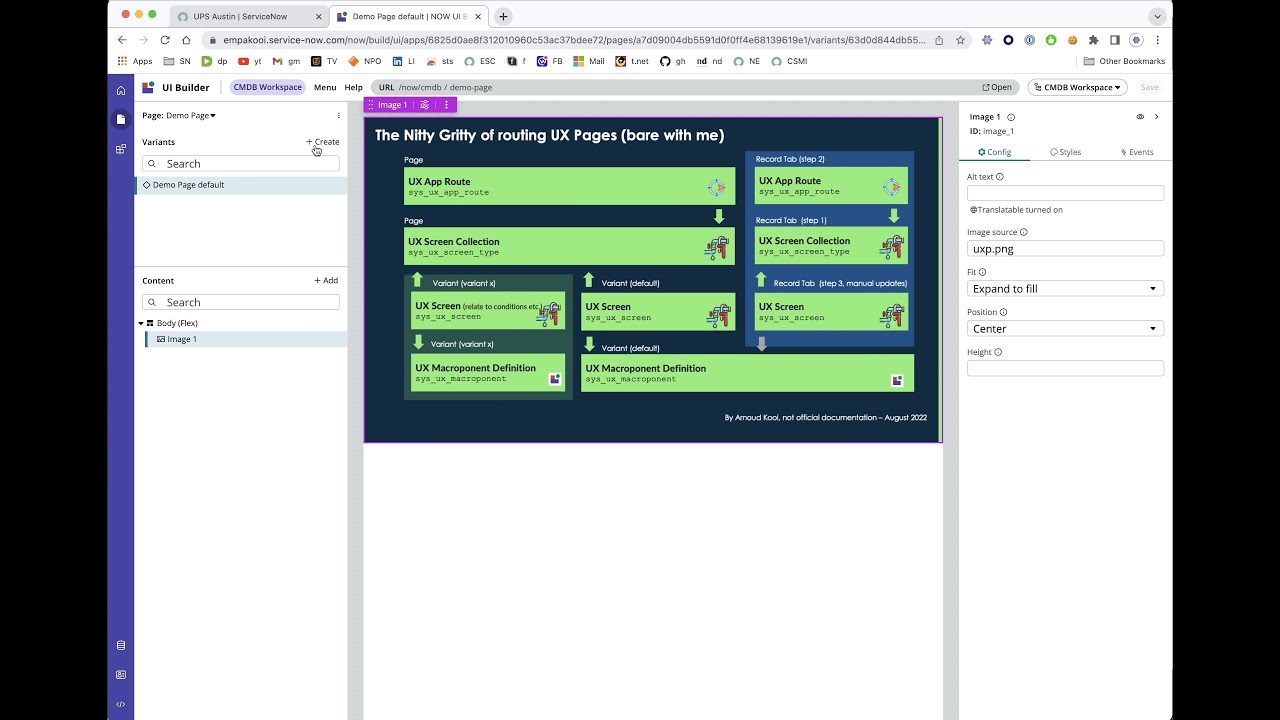
Adding Playbook as a Record Page Tab to ServiceNow Configurable Workspace Part 1/2
Arnoud Kooi
·
over 3 years

Create Contextual Sidebar tab in ServiceNow UI Builder Workspace
Arnoud Kooi
·
over 3 years
Conference Sessions
The Blue Collar Benefit: Building Irresistibly Simple Solutions
CCB6276
Want to know the secret behind solutions that users truly love? Join me as I share how lessons from my early blue-collar field days shaped the way I build in ServiceNow today, with creativity, practicality, and a relentless focus on simplicity. From solving real customer problems in the field with minimal disruption to designing powerful yet effortless ServiceNow solutions, you’ll discover how a no-nonsense mindset can turn everyday challenges into elegant outcomes. Expect real stories, practical takeaways, and the reminder that you can achieve amazing things - no matter where you start.
Showcasing SNUtils
Regain 30 minutes of lost productivity a day with SN Utils
CCB1127-K22
## Transcript X-TIMESTAMP-MAP=LOCAL:00:00:00.000,MPEGTS:0 [MUSIC PLAYING] Welcome to the session, how you can regain 30 minutes of productivity a day with SN Utils. My name is Arnoud Kooi. I am a Workflow Design Architect at ServiceNow. I'm five years at ServiceNow, seven years in the ecosystem, and I love the platform. Today's session is about the browser extension, SN Utils. It comes along with a VS code extension as well. But today's topic is the SN Utils site. It is available for every major browser, ranging from Chrome, to Firefox, as well as Safari. The code is available on GitHub, and all the direct links are also available on my site, arnoudkooi.com. And it's as easy as clicking Install from when you are on your favorite browser extension Web Store. So I have started working on SN Utils six years ago. And in that time, it has grown to almost 45,000 users. I have a lot of positive store ratings that I am really proud of. And here, you see a few testimonials. Set the video to Pause and read them all. The one on the right side, it changes my life. So that is also really, really cool to have testimonials like that. Recently, I have run a survey. And in the upper left circle chart, you see that more than 50% state that they gain 30 or more minutes productivity a day. So that's really awesome-- and even a substantial part, more than one hour a day. It's used by customers, by partners, so it's used all across the people who work with ServiceNow. A lot of positive experience-- if the experience is subpar, then it's most here often heard suggestion is more enablement, more training, more help on how to get the most out of it. So hopefully, this session will enable that as well. Today's focus is on slash commands. That is a feature to navigate around the instance, search for things, and invoke particular functions. So that will make more sense once I demonstrated it. So let's now jump right into the ServiceNow instance. And here, we see four tasks that we have at hand today. And let's just open the first one and start off with it. What group is Fred Luddy a member of? And to investigate that, instead of going to the normal navigation, I can invoke a user search by starting a slash command. And what I have just done is hit my keyboard forward slash. And now, this popup is available. I have a really shortcut for that called u, and that does a filter search. So when I do fred, when I would hit Enter, it would open in my current window. I would really like to open a new tab, so I do a Control-- or on Mac, a Command tap-- and now, that opens in a different tab. I get all the threads that I have in this instance. When opening it, it's opened the Fred Luddy record, as I would expect. And scrolling down here, I see the groups. And instead of needing to export this, what I can do here is use the select multiple records with Command-- that is a normal ServiceNow feature. But now, again, I can use a slash command copycells. I type in copy, and then I hit Space or Tab to fill that command. I hit Enter. And now, the cells that I had selected are being copied. So let's go back to my task. When I hit the Command-V here, I have all the groups that thread is part of. I hit Post, and I think we are done with this task. So I'm going to change this task to Done. What is up next? Why is dark mode not available? So there is a question, but it appears that dark mode is something that we just enabled. It is a new feature of their-- dark mode is a new feature available from San Diego in the next UI. So I recall that I have done that earlier today. So what I'm doing-- I can better open this in another tab. What I see here that I don't have the full UI but only the Record view. So I first want to enable the full UI. And it appears that there is a system property, polaris. And I expect it to find it over there. So dark theme enabled-- that is the property. And I recall that we have already changed it. So indeed, it has been changed. And it has been changed just recently. So some problems fixed themselves. But just to be sure, let's try to impersonate Jenny. And I have a slash command for impersonations. When I do imp jenny, it will search all the Jennys. And by hitting keyboard 1, I'm going to impersonate Jenny. And I'm going to go to her preferences. And yeah, it seems that theme dark is already available for Jenny. So this problem was already fixed. Let's do an impersonation as well to stop impersonating. Go back to our task boards. And here, I say, already fixed. What we did some confirmation, and all should be good now. And this should be good as well. So the next lots of error messages following containing a string. I recognize this as a sysid. So what I want to do is I want to copy that sysid. And when I paste in that sysid, it's recognized that this is a sysid, and I can do a direct instant search for that sysid. So when I hit Enter, immediately, the record, it is a script include as it appears is found. And it is called a script include NastyUtils with a function strangerCode, and it only throws an error. So this really doesn't seem something that should be here. But I would like to also investigate where this code is being used. So I have NastyUtils. Again, triggering the slash command. We have a slash, do a code, and then search only for nasty. Now, it does a code search within my entire instance. And based on nasty, I get a few hits, some irrelevant ones. The script includes itself. And I do see a business rule that constrains the code. So let's open that business rule. And this does not seem to be OK. So I would like to disable this business rule because a business rule that only throws error doesn't seem OK. So I can do sa and then hit Enter. And what it does now, because this record is in the global scope, I could hit this one, but I want to permanently switch to the global scope. So I do a /sa, and that gives me the last 10 scopes. I could also add in a search term, but until that is the global one-- so by hitting 2, I'm switching back to the global scope. Now, I can disable it. And instead of using a UI action to save, I can use hit Command-S to save. That's also a shortcut added, so you can use a shortcut to save your current record. So the immediate need is done. But we also have a prod instance. And I have a slash command-- /prod-- that is a configure command to open in the prod instance. So now, it will open the same record with the same sysid in a different tab. And ServiceNow has a Compare function. So that is triggered by diff1. So this is the left side of what I want to compare. Hit diff, and it will open this. But we also need to define the right side. So now, I'm in the business rule on the prod instance, and I'm hitting diff2, hitting Enter. And now, we see diff loaded. And now, we see the differences between the two instances. And here, we see that the faulty code doesn't seem to be on the proper instance. So that seems good. A few other differences between the two instances, but I think it's really important to see that the code that causes the errors is not on the prod instance. So I'm going to leave this one for now, go back to my task boards, and say it needs an investigation. I'm going to go back to this one later. And for now, I'm setting this in a state of doing. So the last immediate task is manager field on incident form. Why is it there? Let's see if the instance contains a bit more info. Yeah, I got a link to the underlying record. And here, it opens in the new workspace. And when I do a double click here, it shows me technical names. That can also be done by a slash command-- /tn also triggers the same. But really, the quickest way is a double click in the form white space. And it shows me a lot of extra info on my record. So here, I see that manager record is the caller ID and then the manager of the manager. So that, indeed, does not seem to make sense. So I would like to remove this from my form. And another data that the double click or the technical names adds is when you are in a workspace, it adds a link to the classic UI as well as the particular view. So by clicking that, I'm on the classic UI, and I see exactly the same here. But from here, it is pretty easy to configure and go to Form Design. So it opens the Form Design, and I should be able to remove it. But currently, I'm not in the correct scope, so I don't have the option to edit it. But the slash command detects that this is not the correct scope, so it automatically adds a suggestion to switch to the correct scope. So by clicking this link, it now has changed the scope to the scope where this record view is in. And now, I can just click here, click on the Remove, hit Save. And I'm pretty confident that this does the job. Another handy shortcut of SN Utils is a double click to reload a form. So when I double click the header, it reloads the form. And now, it is gone. So that's good. So basically, we fixed another two things over here. So when I say over here, removed, Post. And set that to a state of Completed as well. So as you've seen, in a short matter of time, we were able to complete three tasks, determine the course of the fourth task. So with that enhanced way of navigating, searching, and utilities, we can really boost our productivity. I hope this inspires you, and I love to keep in touch with you all. The best way to find out what new in then SN Utils is to keep in touch with me on Twitter. Follow me on Twitter. Every major update or significant update, I tweet about it. If you want a direct conversation, SNDevs is a good place. Make sure you are in the SN Utils channel. I always love to connect with fellow ServiceNow enthusiasts on LinkedIn. And on my website, I also have all the links to all the versions that I maintain. A last thing that I can offer-- I have a cheat sheet available in SN Utils itself, but you need to do a bit of deep dive investigate to find out behind which slash command it is hidden. So good luck with it all. Again, I love to stay in touch, and I hope this is beneficial for you, and I thank you for your attention. [MUSIC PLAYING]
SN Utils unveiled: 90 minutes to master the essentials and beyond
CCL1122
<p>If you're visiting CreatorCon you probably at least have heard of the browser extension SN Utils. It has a ton of features to save time and make the experience for ServiceNow<span style="font-size: 12.0pt;">®</span> professionals even better! During this lab, we will go from the basics to the more advanced and lesser known features. If you have the feeling SN Utils has more to offer, or you want to kick-start your journey, this session is for you! At the end, there is room for exchanging experiences and Q&A.</p>