
ServiceNow Best Practice - No Hard Code and what are Solutions to Identify and Replace Hard Code
function identifyHardCode(tableName){//Since sysID is 32 characters so use the following to match any string made of 32 hexadecimal characters
var regexp = /[0-9a-f]{32}/;
var gr = new GlideRecord(tableName);
gr.query();
while (gr.next()) {
if (gr.script.match(regexp))
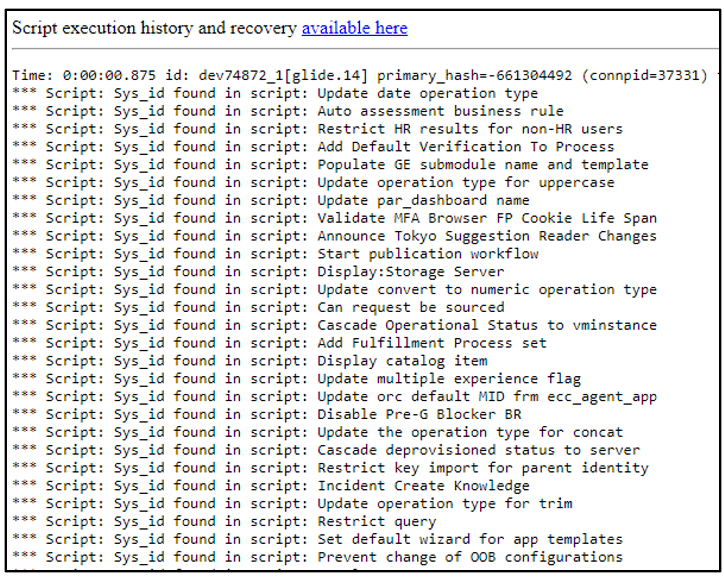
gs.print('Sys_id found in script: ' + gr.name);
}}
Results blow:

Client Side script solution
After you identify the hard code resource, you can address them by using gs.getProperty() to replace hard code sysID recommended by ServiceNow, but gs.getProperty() can only be used in the Server script so Ajax approach can be used for the client side of script.
- The client side script solution:
Script Include:
Create Script Include to process gs.getProperty() and use client script's AJAX to get the value from the defined script.

Catalog Client Script:

You can use gs.getProperty() directly in the server scripts to replace any hard code for sysID. I am not going to provide samples here because you can simply apply.
- Reference

https://www.servicenow.com/community/in-other-news/servicenow-best-practice-no-hard-code-and-what-are-solutions-to/ba-p/2613461