
ServiceNow: using Name-Pair Fields
 ServiceNow Blog
·
Oct 25, 2024
·
article
ServiceNow Blog
·
Oct 25, 2024
·
article
 Ruen Smith
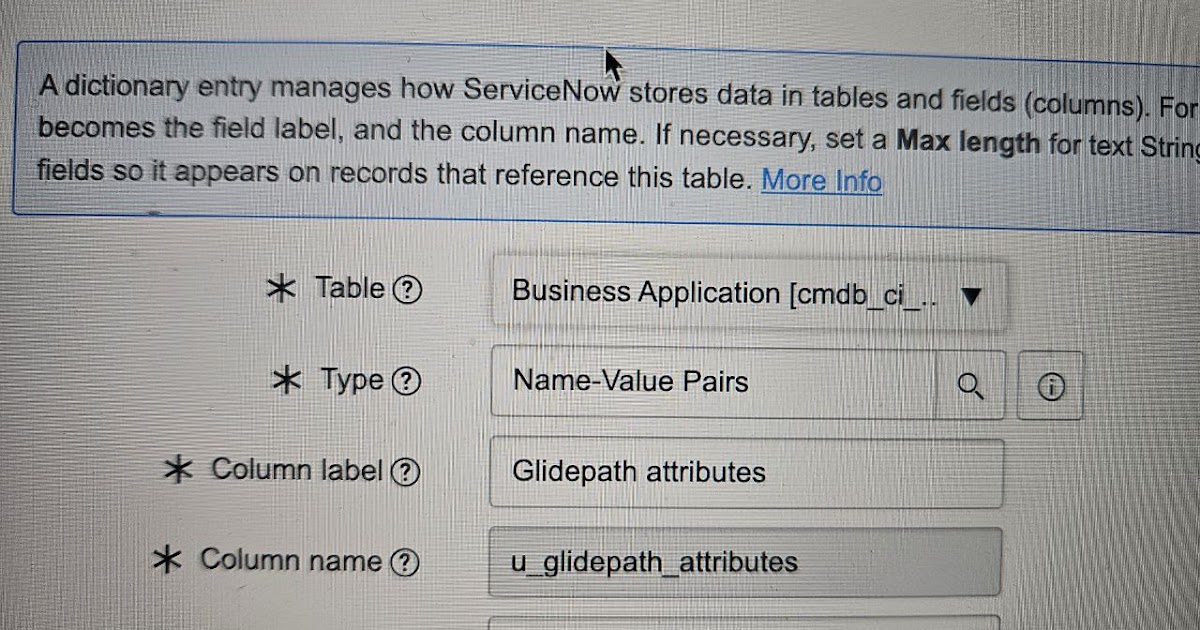
ServiceNow: using Name-Pair Fields
you can use these for complete flexibility for populating fields as per key-value principle, similar to a JSON object

you populate the field using JSON.stringify:
setGlidePathNamePair();
function setGlidePathNamePair(){
var cmdbSYSID='1d68955ffb1d1a102478f4ff4eefxxxx';
var gp_payload = {
"TenantID": "xxxxxxx-4718-4590-a921-f17e37f1799a",
"APPREQUEST_ApplicationName": "example",
"APPREQUEST_FederationType": "SAML",
"CLAIMSREQUEST_Attributes_email": "email1",
"CLAIMSREQUEST_Attributes_givenname": "givenName1",
"CLAIMSREQUEST_Attributes_surname": "surname1",
"CLAIMSREQUEST_Attributes_upn": "upn1",
"SIGNINGCERTREQUEST_LifeSpanDays": "160"
};
var sValToStor=JSON.stringify(gp_payload);
var grAPM=new GlideRecord('cmdb_ci_business_app');
if (grAPM.get('sys_id', cmdbSYSID)){
grAPM.u_glidepath_attributes=sValToStor;
var sUpdate=grAPM.update();
gs.print(sUpdate + ' updated');
}
}
this is how the field looks on the form:
http://www.cloudminus89.com/2024/10/servicenow-using-name-pair-fields.html