
Steps to add/update/unlink email address on your Now profile
Recently, I came across a question where the questioner was looking for the steps to unlink their official email address from their now profile. I found this question pertinent for all the folks working in the ServiceNow eco system.
Initially, most of us create our community profile using our official email address and when it comes to switching a job we come to a realisation that the community profile also needs to be updated as the previous email address can no longer be used for the login.
Also, sometimes we have multiple community profiles and on those profiles we have different badges. What if we need to link all those accounts with one primary account.
Here are the steps which one can use to link/unlink and add/update email address on their now profile.
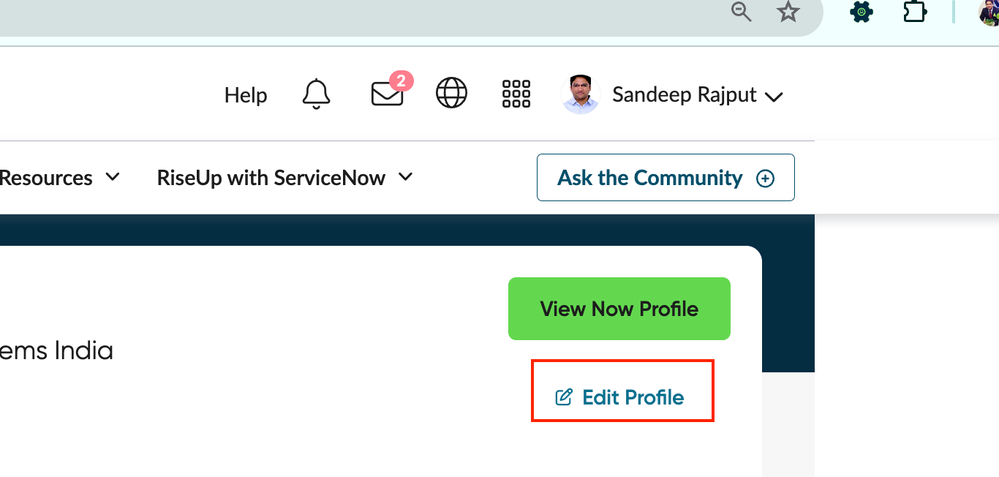
As a first step, navigate to your community profile

OR
Login to https://account.servicenow.com/editProfile
After login, you will be taken to your Now profile page. Navigate to Linked Accounts section in the left pane

2. You will be taken to the following page

Here you can Add a new Email address to your account or Unlink an existing email.
if you have you used other email addresses to earn awards, certifications, or other accomplishments. You can link up five email addresses you've used before to organize your awards in one place.
In case if you wish to update your primary email address, you can do that by updating the primary email address from the personal info section.

and In the Account section, choose update info.

Hope this helps.
https://www.servicenow.com/community/developer-articles/steps-to-add-update-unlink-email-address-on-your-now-profile/ta-p/2979575