
77. Field/Variable Language Translation
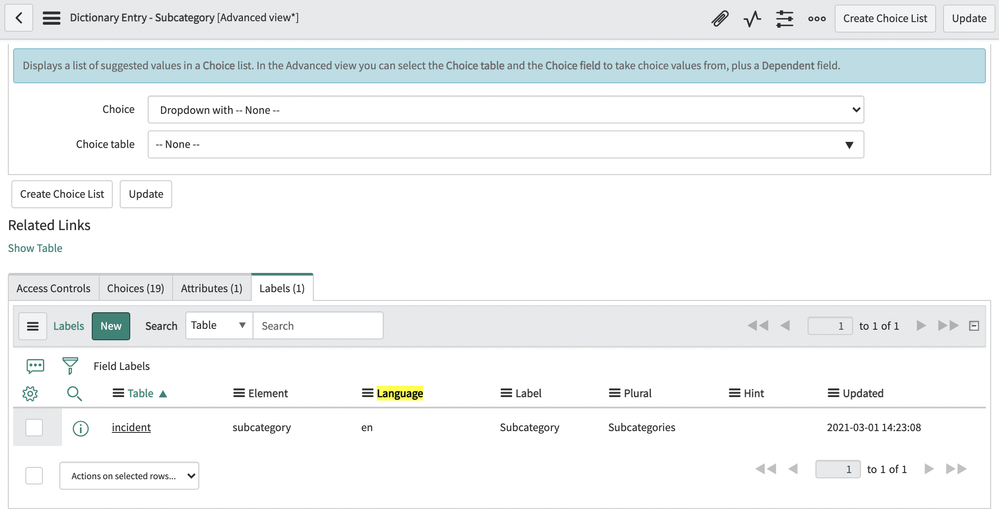
Did you know that manually updating the language translation of a form field versus a variable question can be done in 2 different ways? (Internationalization plugin activation and configuration is required)
If you translate a field to a configured language in your instance, you will need to configure its dictionary, and then create a new Label record for that field.
There are 5 default language values you can use (unless other internationalization plugins have been activated
Tip: You may also change the field type to the translated text to directly update the field label translation in the form.
If you translate a variable question to a configured language in your instance, you just need to switch the instance language in the language picker in system settings, and then replace the variable value to the equivalent translated value directly in the form.
This is because variable questions are already configured as translated field types.
https://medium.com/@LearnITbyPrashant/77-field-variable-language-translation-b0c7e82b6b60?source=rss-d005fc598f0a------2