
How to open a new workspace tab and close an existing tab in UI Builder
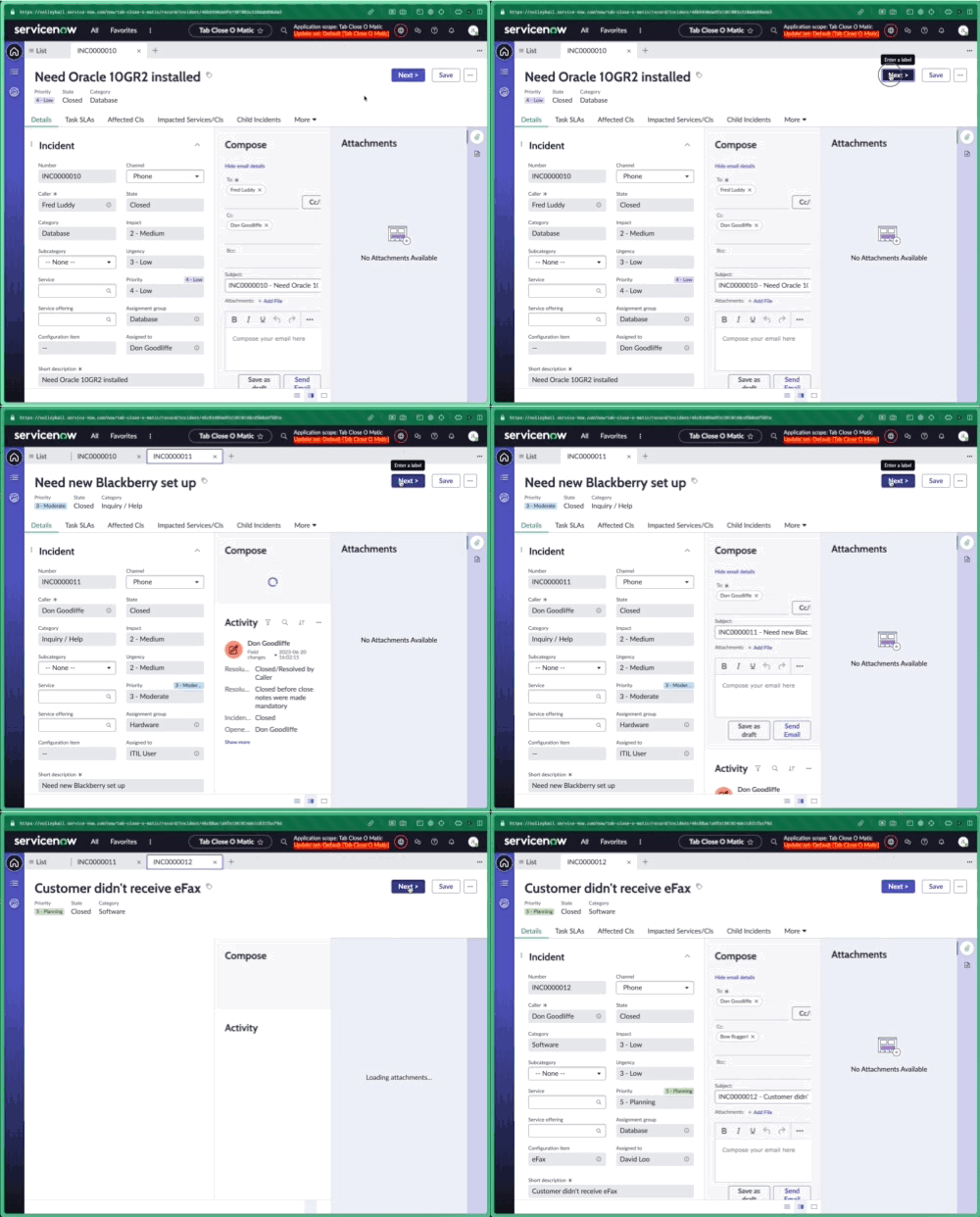
You may want to close the existing tab and open a new tab in response to a user interaction. E.g., click the "Next" button which closes the current page and opens a new page.
Existing solutions, using "SCREEN_STATUS_CHANGED" have been surfaced, but the issue is that if you immediately open a new tab it's not in the foreground (you will likely end up with the List tab selected).
To solve this I have done two things. One, I'm updating the screen status without adding a dispatched event using "helpers.screen.updateStatus" and two, yes, I'm using a timer.

1. Add a new client script called "Delay and close" with the following line of script.
function handler({api, event, helpers, imports}) {
   helpers.timing.setTimeout(() => helpers.screen.updateStatus({status:"closed"}), 2000);
}
2. On your page navigate to the new page as you normally would, e.g. with "Link to destination" on a button, then call the Delay and close script after that.

Note: Don't judge me. I don't love using timers for a variety of reasons. Since this is effectively cleanup and won't block the new page from loading, this could be a good solution in many cases.
https://www.servicenow.com/community/next-experience-articles/how-to-open-a-new-tab-and-close-an-existing-tab-in-a-workspace/ta-p/2878249