
11. Debug User Session
Explanation -
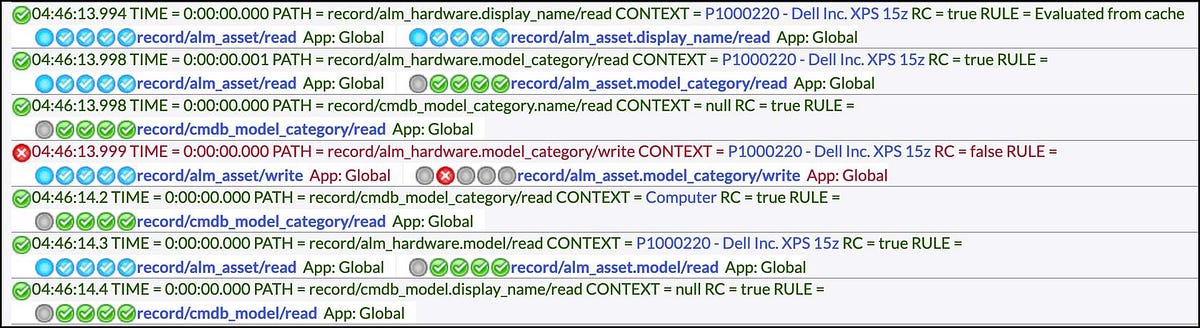
Session debugging is used to display debug messages in the ServiceNow user interface. The output for these options is displayed in separate areas depending on whether it is server-side or client-side.
- Server-side is written to the bottom of the screen and into the separate debugger window.
- Client-side debugging can be found in the browser console.
Session debug also works for impersonated sessions, since the session ID does not switch when impersonating a user.
Key Advantage: — Session debug will debug only your session and has no impact on anyone else!
Session Debug
To enable session debugging, navigate to System Diagnostics > Session Debug and choose one of the options.
When enabled, session debugging remains active during the user session or until it is disabled.
NOTE: When session debug is no longer needed, under System Diagnostics > Session Debug, choose the option,Disable All, to turn off all session debugging options.
You can Enable All areas for abundant logging on the bottom of each page load, or you can enable each option one by one.
Benefits:
- Does not interfere with any other user session, as only the user that enables session debug is affected
- If performance issues occur, only the user that enables session debug is affected
https://medium.com/@LearnITbyPrashant/debug-user-session-a5bbbbf1d149?source=rss-d005fc598f0a------2