
1. Killer ServiceNow Form Background
Import
·
May 08, 2023
·
article
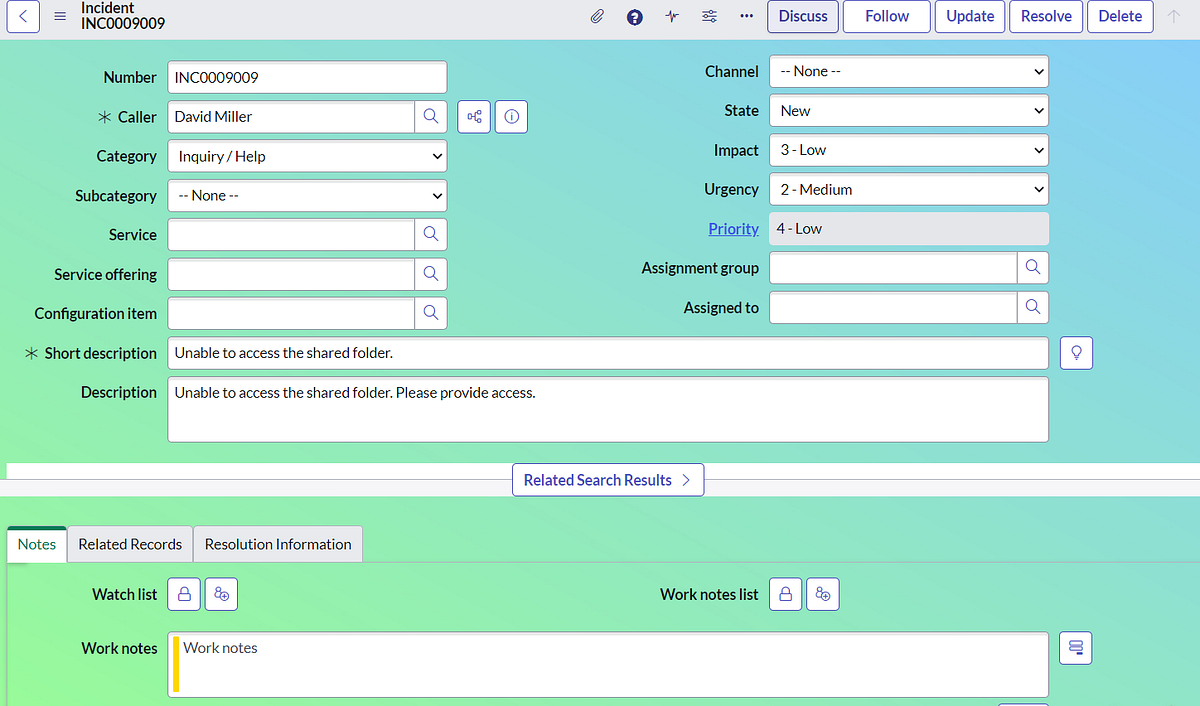
Step 1 — Download an appropriate background for your form.
Step 2 — Create an Image Record (bcg.png) and upload your downloaded background.
Step 3 — Create a UI Macro (Back_Form_Incident) and add the image path that was created and you can add some styles for the form as well to look good.
Step 4 — Create a UI Formatter to call UI Macro and you can add this formatter to the table (Ex- I have taken for incident) using form layout.
Step 5 — Add Formatter to the form (incident).
Step 6 — You can enjoy the changes for your relevant form (incident).
View original source
https://medium.com/@LearnITbyPrashant/killer-servicenow-forms-background-ea52f21269ef?source=rss-d005fc598f0a------2