
"Copy Database View" Tool
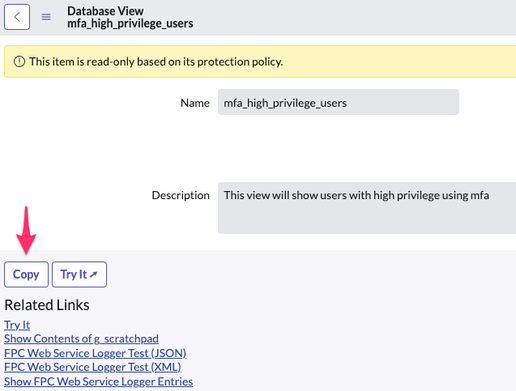
Part of the Developer Toolbox Series.
Sometimes you need a new Database View that's just slightly different from an existing one. Instead of creating it from scratch, this UI Action/UI Page combination allows you to easily make a copy of a that existing View.

A popup window appears, asking for the name:

After entering the name, a script will validate the entry and add any appropriate prefix:

Clicking OK will copy the current View record, along with the View Table, View Fields and Field Label records.
It will warn you if there are unsaved changes on the form:

This is done to ensure you are copying the proper data. The warning popup requires the "Simple Modal Confirm" UI Page.
I've attached XML files for the UI Action, UI Page and UI Message records so you can just import them into your instance. As always, try it out in your company's development instance first, or better yet, your own personal development instance.
https://www.servicenow.com/community/developer-blog/quot-copy-database-view-quot-tool/ba-p/2535156