
Service Account Management, Part XIII
“Challenges are what makes life interesting and overcoming them is what makes life meaningful.”
— Joshua J. Marine
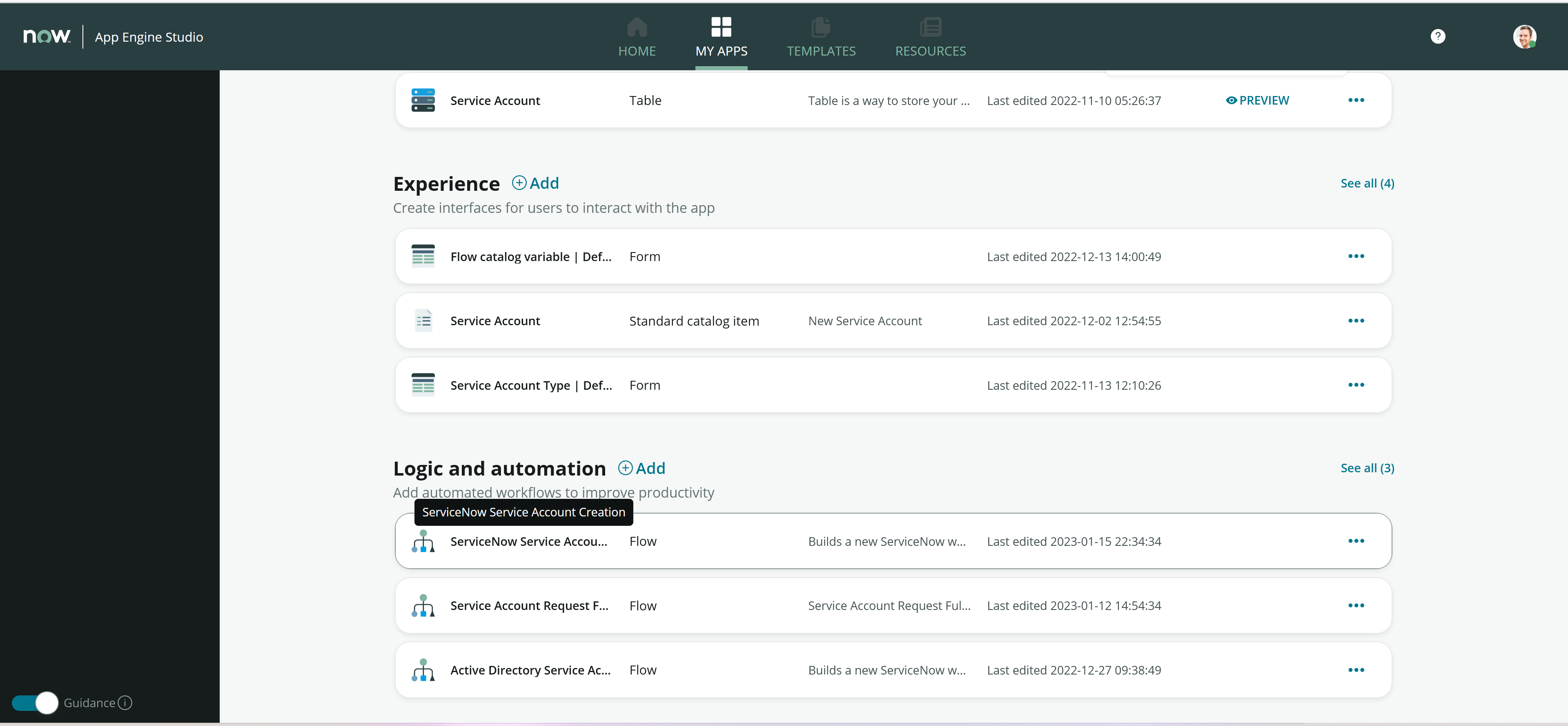
Last time, we finished up with the modifications to our primary fulfillment Flow, so now we need to modify one of our example Subflows so that we can test out this new approach to the design. Since we already had the first example working under the old design, let’s start with that one, the one that builds ServiceNow Service Accounts. Even though we did not build the Subflows in the App Engine Studio, they do appear there once they are created, so we can edit them while in the studio without having to resort to the older Flow Designer.

Selecting the Subflow from the dashboard
The first thing that we will want to do is to alter the input from a Requested Item to a Catalog Task.

Altering the Subflow input
Next, we will need to alter the source of the Requested Item record in the first step. Now that we are using the Catalog Task as input, we will have to pull the Requested Item record from the appropriate Catalog Task property.

Getting the Requested Item record from the Catalog Task
The remainder of the existing workflow should be OK as it is, but under our new approach, our automated Subflow has one additional responsibility: we need to close the Catalog Task, both for a successful completion and for any kind of failure. Let’s handle the success story first by inserting an Update Record action just before we assign the Subflow outputs.

Closing the task on a successful completion
On the failure branch, we need to do the same thing, with different values, right before we assign the Subflow outputs at the end of that process.

Closing the task on failure
At this point, all we need to do is to Save and Activate the Subflow and take it out for a spin. The easiest way to try it out would be to jump into the Service Catalog and place another order.

First test of the new approach
Looking at the resulting Requested Item reveals that the Flow and Subflow executed successfully and the account was created.

Resulting Requested Item in Closed Complete state
So the Subflow that was working before is now working again using our new approach. Now we have to modify the manual example that wasn’t working before and see if that guy works under our new approach as well. Let’s jump into that next time out.
https://snhackery.com/2023/01/25/service-account-management-part-xiii/#utm_source=rss&utm_medium=rss&utm_campaign=service-account-management-part-xiii