
Validate file names for attachment type variable in Native + Portal
 New article articles in ServiceNow Community
·
Dec 03, 2025
·
article
New article articles in ServiceNow Community
·
Dec 03, 2025
·
article
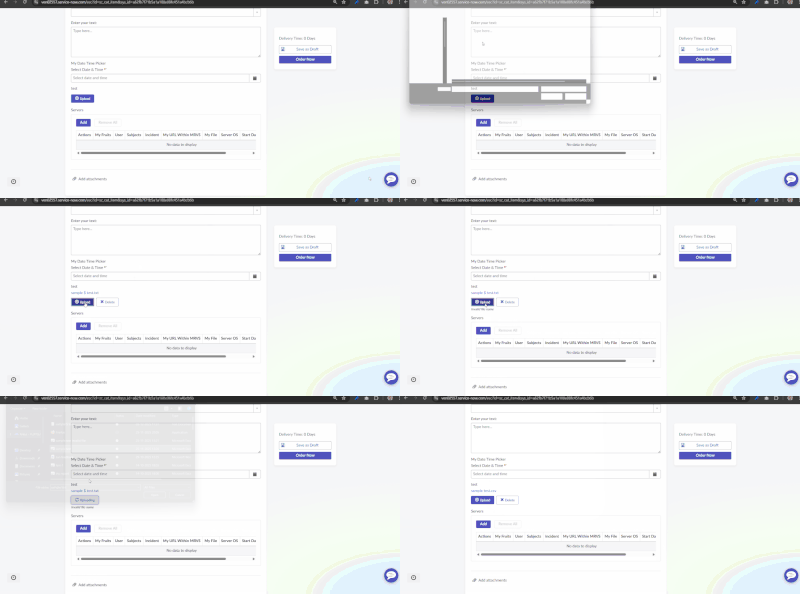
Sometimes there is a customer requirement to validate file names while using attachment type variable on catalog form.
Example: don't allow some special characters in file name
This article will help you for the same
1) Create onChange catalog client script on Attachment type variable
function onChange(control, oldValue, newValue, isLoading) {
    if (isLoading || newValue == '') {
        return;
    }

    g_form.hideFieldMsg('variableName');
    var ga = new GlideAjax('ValidateAttachmentFileName');
    ga.addParam('sysparm_name', 'checkFileName');
    ga.addParam('sysparam_attSysId', newValue);
    ga.getXMLAnswer(function(answer) {
        if (answer.toString() == 'invalid') {
            g_form.showFieldMsg('variableName', 'Invalid file name', 'error');
        }
    });
}
2) Create Script Include: It should be client callable
var ValidateAttachmentFileName = Class.create();
ValidateAttachmentFileName.prototype = Object.extendsObject(AbstractAjaxProcessor, {

    checkFileName: function() {

        var badChars = /[%$@()&<>'"]/;
        var sysId = this.getParameter('sysparam_attSysId');
        var gr = new GlideRecord("sys_attachment");
        gr.addQuery("sys_id", sysId);
        gr.query();
        if (gr.next()) {
            if (badChars.test(gr.file_name.toString()))
                return 'invalid';
            else
                return 'valid';
        }
    },

    type: 'ValidateAttachmentFileName'
});
Output: Working fine

View original source
https://www.servicenow.com/community/employee-center-articles/validate-file-names-for-attachment-type-variable-in-native/ta-p/3442096