
Service Portal: Add to cart is a PITA
 Jace's Blog
·
Jul 15, 2018
·
article
Jace's Blog
·
Jul 15, 2018
·
article

So it seems the first thing a lot of places have to do when setting up
the service portal is to re-setup two-step-checkout.
I don't like looking it up. Here's the steps I've followed to set it up;
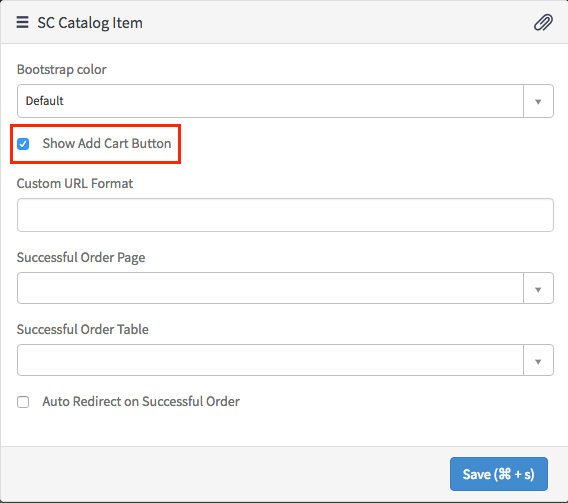
Adding "Add Cart" on the form
- On your catalog item widget, ctrl + right click the widget and open
the widget instance options. - Check "Show Add Cart Button"
Adding "Cart" on the header
- From the Service Portal configuration page, select the Portal editor.
- Goto the SP Header Menu
- in the Additional options section ensure you have the following content;
{
  "enable_cart": {
    "displayValue": "true",
    "value": "true"
  }
}
View original source
https://jace.pro/post/2018-07-15-sp-add-to-cart/