
Configurable Portal Widgets: Portal Banner Carousel Widget
 New article articles in ServiceNow Community
·
Oct 29, 2025
·
article
New article articles in ServiceNow Community
·
Oct 29, 2025
·
article
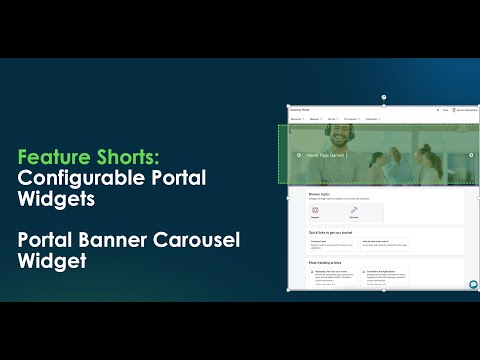
The Portal Banner Carousel Widget displays multiple banners in a carousel on a portal home page. This includes such information as multiple announcements, features and products.
Below you can see Portal Banner Carousel Widget. In this example, it's displayed on the business portal.
When the business user navigates to the widget, then does a "Control and Right-Click", the instance options display.

Key things to consider when updating the Configure Widget Instance Options for this widget:
- Make sure the image is already uploaded
Related links:
There are a couple of ways to upload an image:
- Directly on Portal
- Documentation - Add via system images
Additional information in Documentation - Configure Widget Instance Options
How to add widget on a portal page:
if widget doesn't already exist on the page, you can add using the documentation link below.
Documentation - Add to a widget to a portal page using the designer
Training:
Customer Portal and Configurable Portal Widget Foundation
Related links:
https://www.servicenow.com/community/csm-articles/configurable-portal-widgets-portal-banner-carousel-widget/ta-p/3409440