
Configurable Portal Widgets: Portal Taxonomy Topic Widget
 New article articles in ServiceNow Community
·
Oct 29, 2025
·
article
New article articles in ServiceNow Community
·
Oct 29, 2025
·
article
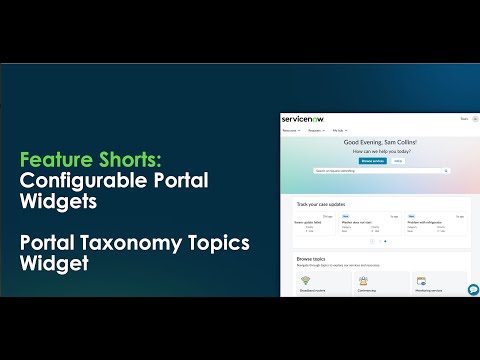
Below you can see Portal Taxonomy Topics widget. In this example, it's displayed on the Business Portal.
This widget is out of the box for the Business Portal and other CRM & Industry customer portals that leverage Configurable Portal Widgets.
When the administrator does a "Control and Right-Click", the instance options display.

Key things to consider when updating the Configure Widget Instance Options for this widget:
Make sure the content taxonomy has been defined. Each taxonomy can be leveraged on one or more portals. To verify:
- Navigate to All > Content Taxonomy > Taxonomies
- Select the taxonomy for your portal page.
- If the one does not exist, then click “new” to add to create the taxonomy record.
- Once added, associate all existing and new content to the taxonomy created using Topics.
See how Taxonomy Topics are created in the video on this article: Portal Browse Taxonomy Widget
Related links:
Additional information in Documentation - Configure Widget Instance Options
Training:
View original source
https://www.servicenow.com/community/csm-articles/configurable-portal-widgets-portal-taxonomy-topic-widget/ta-p/3413835