
What to do when you are asked to add a custom field
 The SN Nerd
·
Sep 23, 2025
·
article
The SN Nerd
·
Sep 23, 2025
·
article
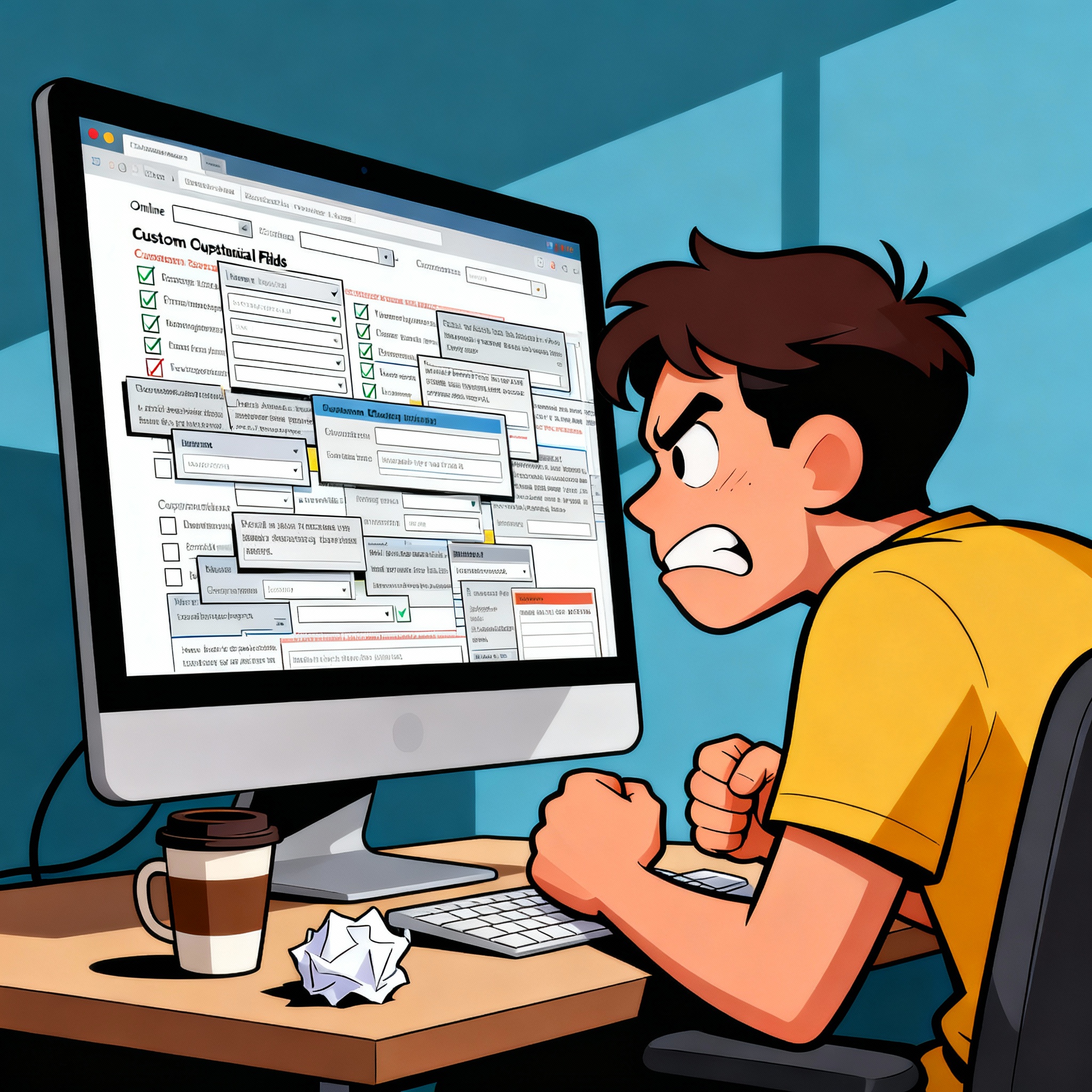
Adding fields feels like the default answer to almost every ServiceNow request. Reporting gaps, process tweaks, or a stakeholder suggestion—it all seems to point toward “just add another field.” For admins and developers, this ask can pop up daily.
A few extra fields won’t break the platform. ServiceNow is built to flex, and small additions typically don’t cause performance issues. The problem creeps in over time: one request here, another there, and suddenly your task tables are bloated with 50 forgotten and redundant fields. That’s technical debt hiding in plain sight.
So, what’s the real problem?
Most “I need a field” requests are surface-level symptoms of deeper needs. If you don’t stop and ask why, you risk fixing the wrong problem and embedding unnecessary complexity. The smarter move is to reframe. Partner with process owners to understand what’s really needed, how the data will be used, and whether ServiceNow already has a way to deliver it.
This is where the XY Problem comes in. People ask for their solution (Y: a custom field) instead of their actual need (X: capturing or reporting something meaningful). Use tools like the “5 Whys” to dig down to the root business requirement before jumping straight into customization.
Reframing requests is the best defence against creeping complexity. Instead of “add a field,” guide the conversation toward:
- What problem are we solving?
- Is there existing data we can use?
- Is there an OOTB capability that fits?
The goal: scale solutions, avoid technical debt, and keep your instance clean for the long haul.
Reframing the question
Try to reframe the problem to one of the examples shown below, and use the table to find an alternative solution:
| Problem | Solution | Further considerations |
|---|---|---|
| I need to know when field X becomes value Y | Metric Script Calculation | A database view or remote table might be required to report on the data. |
| I need to know how long field X is value Y | Metric Field Value Duration | A database view or remote table might be required to report on the data. |
| I have a contractual obligation to do Y | Service Level DefinitionCustom Field | Service Level Definitions are created to track whether a particular measure has been met or not.If your SLA condition is based on a data field on another table, you may need a custom field as dot-walking on SLA conditions is not recommended, as previous values are not respected when doing SLA Repairs.. |
| I need details of X and Y in a single view | Many 2 Many Database ViewsRemote TablesCMDB Query | There are numerous tools in ServiceNow to join the results of data from different tables together.If joining a related record to one or many records, a many 2 many table can be created to see data from both records in a single view.Database views can be used to join tables and fields together by a query.Remote tables can bring in data from other systems or join existing data via powerful scripted logic that may not be possible with database joins alone.When working with CMDB and foundation data, CMDB query can bring data together. |
| I need to capture X as part of process Y | Related TaskServiceNow StoreApplication Manager | Related tasks are a great way to track that an activity has been completed. Having a seperate task record rather than a custom field will allow for the assignment of work and prioritisation for teams. When relating tasks off existing reference fields, such as parent, first understand if/how that field is using OOB. Parent is typically used by existing OOB processes.If the process Y differs from the process of the parent task, check the ServiceNow Store and Application Manager (from within your instance) for pre-built solutions to run your process. |
| I need to capture data as part of the existing process | Existing FieldCustom FieldCustom Table | Check if the data that needs to be captured could be stored in an existing field not visible on the form. Be mindful when repurposing fields that they are not used by other OOB functions and make sense to be stored there.When creating a custom field, use the appropriate data type. Checkboxes, for example, are very weak. They cannot capture a null state, and do not capture when it was selected. A DateTime field is often more powerful.When creating multiple fields, model your data appropriately. If the same data can belong to multiple records, perhaps a custom table is required. |
Reframing the “I need a custom field” question
Examples
| Given solution | Reframed problem | Possible solution |
|---|---|---|
| I want a tickbox on the incident form when an incident has switched individual assignment 5 times | I want to know when assigned to changes value 5 times | Metric script calculation with a database view & report |
| I want a tickbox on the incident form called follow up when status is pending customer for more than 2 days | I want to know when status is pending customer for more than 2 days | Metric field value duration with a database view & report |
| I need a dropdown field on the incidents so i can provide evidence to the customer that we are delivering on our promise | I have a contractual obligation to resolve incidents assigned to my team, which have a group type of ‘ContractX’ in 5 days or less | Service Level Definition and a custom field storing the dot walked group type field |
| I need a field on change records that shows all related incidents assigned to one of my teams | I want to see all of my teams incidents as they related to change requests in a single view | Database view joining both changes and incidents assigned to your teams |
| I need a checkbox on tickets to flag if the technician needs further training | I need to document performance management for tickets we manage | Look for plugins in Application Manager or ServiceNow Store such as Coaching loops, which is a different process than Incident and Request management. |
| I need a comms date sent field on change requests | I need to track the activity of communications in my change request process | Related task such as Change tasks can be used to track the activity. |
| I need a business impact text field on the incident form | I need to capture the business impact of an incident during closure | Check for existing fields or create a new field. |
Even with the question reframed, be mindful of the business value. If only one user wants it, is it justified? All platform changes need to be evaluated for their merit. Technical governance is only part of the picture. Strategy and business value are just as important.
TLDR
- Adding custom fields in ServiceNow is common, but over time can lead to serious technical debt and maintenance headaches.
- Small numbers of custom fields rarely cause issues, but dozens on key tables can hurt upgrades, reporting, and overall usability.
- Blindly adding fields to solve immediate requests often means missing better alternatives or duplicating standard functionality.
- The right approach is to stop and fully understand the real business problem before customizing the data model.
- Use techniques like the “5 Whys” and the “XY Problem” to clarify the true requirement behind every “I need a custom field” request.
- Consider ServiceNow’s out-of-the-box features—metrics, SLAs, database views, child tasks, reference tables, and existing fields—before creating new ones.
- Reframing field requests as business problems helps ensure scalable, maintainable, and future-proof solutions on the platform.
The post What to do when you are asked to add a custom field appeared first on The SN Nerd.
https://sn-nerd.com/2025/09/23/what-to-do-when-you-are-asked-to-add-a-custom-field/