
Back-to-School: Free Accessibility Tools to Prepare Students for an AI‑Driven Workforce
 New article articles in ServiceNow Community
·
Jul 31, 2025
·
article
New article articles in ServiceNow Community
·
Jul 31, 2025
·
article
The Accessibility Team at ServiceNow has curated this list of free accessibility tools and resources for educators, supporting inclusive teaching from elementary school through college. It’s also a valuable guide for public sector organizations, government agencies, and regulated industries working to embed digital accessibility best practices into classrooms, websites, and online services.
As we look toward an AI-powered future workforce, accessibility isn’t just about compliance—it’s about preparing every student to thrive. AI tools are already helping reduce barriers for neurodiverse learners and people with disabilities, and tomorrow’s workplaces will rely even more on AI-enabled technologies that level the playing field. By building accessible, inclusive habits and tools into education now, we’re not giving some students an unfair advantage—we’re giving all students the skills and support they need to succeed in a workforce that will be more inclusive by design.
Jump to:
Middle School: Student resources
High School: Student Resources
Why WCAG and bills like CO HB21-1110 matter for educators
As of mid‑2025, more than 20 U.S. states—including California, Illinois, Minnesota, New York, Pennsylvania, Massachusetts, Indiana, Texas, and Virginia—have enacted state-level digital accessibility mandates requiring websites, mobile apps, documents, and educational platforms to comply with WCAG standards. These laws complement federal requirements like Title II of the ADA which mandates that state and local government digital services meet WCAG 2.1 A/AA beginning between April 2026–2027 depending on population size. (ADA.gov) (Level Access) As more states follow Colorado’s lead from HB 21‑1110, which specifically makes inaccessible public‑sector digital content a civil rights violation, educational institutions cannot treat web accessibility as optional or a_d hoc_. It’s essential to integrate accessibility best practices—like semantic markup, captioning, keyboard navigation, accessible documents, and regular audits—from the very start to ensure compliance, avoid legal risk, and serve all learners equitably.
For educators, this means reviewing everything shared online (newsletters, learning management systems (LMS), event calendars, and resource hubs…) to make sure they meet standards for text contrast, keyboard navigation, alternative text, and more.
Free Online Tools for Teachers
When you’re creating content for your students, try these free accessibility tools!
- WAVE browser extension: Quickly scan pages and documents for common WCAG issues.
- Microsoft Accessibility Checker / Google Docs Accessibility: Spot and fix issues in syllabi, assignments, and letters home.
- Color contrast analyzers: Try a tool like WebAIM Contrast Checker to confirm text readability for students with low vision.
- Captioning tools: Auto-generate and edit captions for classroom videos using online video platforms. Check out Youtube's caption instructions or learn more about how to do it in your native platforms like iMovie for Mac or Clipchamp for Windows.
Free Accessibility Tools for Educators AND Learners (by US School Level)
⭐ = student-friendly tool that kids/teens/college students can also install & use on their own.
Elementary School (Grades K-5 / ages 5-10)
| Tool | What it helps with | Link |
|---|---|---|
| ⭐ Microsoft Immersive Reader | Reads text aloud, highlights words, breaks words into syllables — great for early readers and ESL learners | Immersive Reader |
| ⭐ Text Adjust by ServiceNow | Chrome extension that changes fonts, colors, and spacing — helpful for young kids with ADHD or dyslexia | Text Adjust |
| Google Docs Voice Typing | Lets students speak instead of type — especially helpful for emergent writers or motor challenges | Voice Typing |
| ⭐ Bookshare | Free library of accessible e-books for kids with print disabilities | Bookshare |
Middle School (Grades 6-8 / Ages 11-14)
| Tool | What it helps with | Link |
|---|---|---|
| ⭐ Read&Write (Free for teachers, free tools for students too) | Text-to-speech, dictionaries, picture dictionaries to help comprehension | Read&Write |
| ⭐ Speechify (free tier) | Reads homework, articles, or webpages aloud — helpful for students with dyslexia or attention challenges | Speechify |
| ⭐ Text Adjust by ServiceNow | Still great here: helps adjust fonts and spacing on educational sites | Text Adjust |
| ⭐ Microsoft Immersive Reader | Still excellent for older kids needing language support | Immersive Reader |
| Color Oracle | Simulates color blindness so teachers design inclusive visuals | Color Oracle |
High School (Grades 9-12 / Ages 14-18)
| Tool | What it helps with | Link |
|---|---|---|
| ⭐ Grammarly (free tier) | Helps with grammar, clarity, and focus — useful for essays and college applications | Grammarly |
| ⭐ Speechify | Read textbooks or PDFs out loud while multitasking | Speechify |
| ⭐ Google Docs Voice Typing | Supports students with dysgraphia or mobility challenges | Voice Typing |
| ⭐ Text Adjust by ServiceNow | Reduces eye strain and helps focus during research | Text Adjust |
| WAVE Accessibility Tool | Great for tech teachers & student projects: check website accessibility | WAVE |
College & Higher Education
| Tool | What it helps with | Link |
|---|---|---|
| ⭐ Speechify / NaturalReader (free tiers) | Read scholarly articles and PDFs aloud, speeds review of dense texts | Speechify / NaturalReader |
| ⭐ Grammarly | Writing clarity, tone detection for papers & professional emails | Grammarly |
| ⭐ Text Adjust by ServiceNow | Helps neurodiverse students keep focus during heavy reading | Text Adjust |
| WAVE | Students in design or web classes can check their own websites | WAVE |
| ⭐ Microsoft Immersive Reader | Still valuable in higher ed, especially for ESL learners | Immersive Reader |
How to share this with your students & staff
- Add to your school’s digital accessibility page or resource hub
- Include student-friendly tools (⭐) in orientation packets or learning management systems
- Show teachers how to demo these in class to normalize use
- Use professional learning sessions to practice these tools hands-on
ServiceNow + Education: More than an IT Platform
While often seen as an IT service management solution, ServiceNow offers tools that can directly support schools’ accessibility goals:
- Knowledge articles & portals – Build accessible back-to-school guides, FAQ pages, and family resource portals using templates designed to meet WCAG standards.
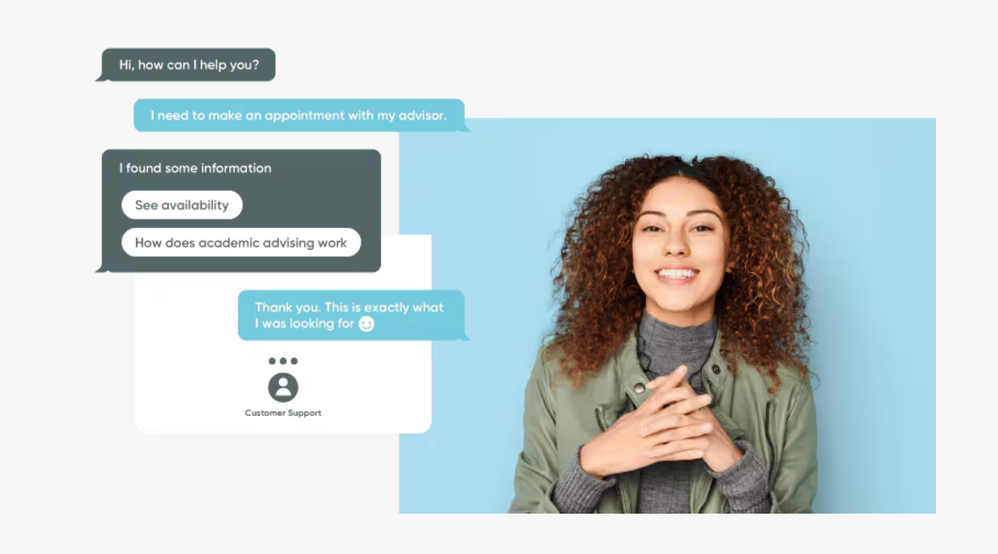
- Flow Designer & Virtual Agent – Automate routine questions (“Where can I find the school calendar?”) into accessible chat experiences that help families and students with cognitive or visual disabilities.
- Forms & checklists – Use accessible digital forms to gather emergency contact info, field trip permissions, or supply requests, ensuring they’re usable by people who rely on screen readers.
- Localization & personalization – Support multilingual families and diverse community needs with translated content and personalized dashboards.
If your district is ready to upgrade your workflows, visit our education portal and contact us to talk to a sales expert about the AI Platform today.

Accessibility isn’t just compliance—it’s preparing students for the AI workforce of the future.
Meeting WCAG standards and legislative mandates like HB21-1110 isn’t only about checking boxes; it’s about opening doors for every student and family. Accessible digital resources reduce barriers, support neurodiverse and disabled learners, and demonstrate a real commitment to equity and belonging. And as AI increasingly becomes part of our classrooms and workplaces, building accessibility into daily practice is also about preparing every student to thrive in a workforce where AI and assistive technologies will help everyone contribute more fully. Tools like ServiceNow’s Text Adjust Chromium Extension, combined with proactive inclusive design, set students up not just for academic success, but for meaningful participation in the digital future.
https://www.servicenow.com/community/accessibility-a11y/back-to-school-free-accessibility-tools-to-prepare-students-for/ta-p/3339521