
Virtual Agent Designer stuck on ‘Connecting’ screen
 New article articles in ServiceNow Community
·
Jul 14, 2025
·
article
New article articles in ServiceNow Community
·
Jul 14, 2025
·
article
Description:
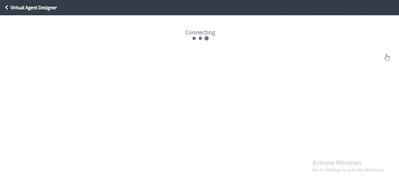
When attempting to open any topic within the Virtual Agent Designer, the screen remains stuck on “Connecting” and fails to load the designer interface.

Root Cause:
It could be due to the system property glide.ui.escape_all_script being set to false on your instance.
Fix:
Set glide.ui.escape_all_script to true — this usually resolves the issue instantly!
Here’s a direct link to check and update the property (replace with your instance URL):
[InstanceURL]/sys_properties_list.do?sysparm_query=nameSTARTSWITHglide.ui.escape_all_script&sysparm_first_row=1&sysparm_view=&sysparm_choice_query_raw=&sysparm_list_header_search=true
Hope this helps someone save time troubleshooting!
https://www.servicenow.com/community/developer-blog/virtual-agent-designer-stuck-on-connecting-screen/ba-p/3320303