
Unlocking Exceptional User Experiences with ServiceNow Impact Accelerators
 New article articles in ServiceNow Community
·
Apr 01, 2025
·
article
New article articles in ServiceNow Community
·
Apr 01, 2025
·
article
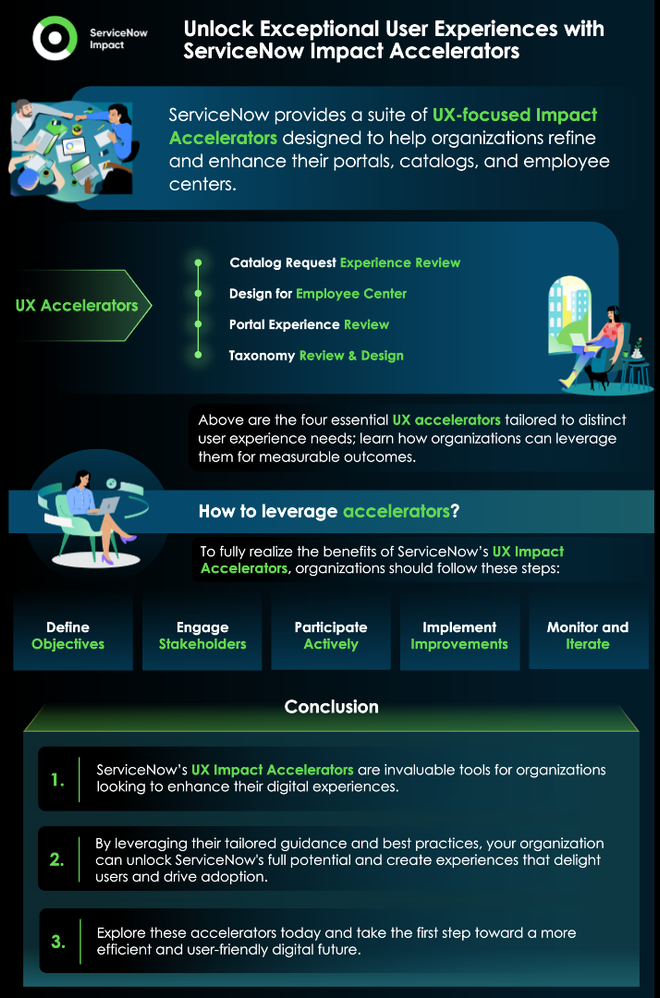
Delivering an exceptional user experience is at the heart of every organization’s digital transformation journey. ServiceNow provides a suite of UX-focused Impact Accelerators designed to help organizations refine and enhance their portals, catalogs, and employee centers. By focusing on user-centric design and leveraging leading practices, these accelerators ensure seamless experiences for employees and customers alike.
This article explores four key UX accelerators—each tailored to specific user experience needs—and delves into how organizations can leverage them to achieve measurable results.
- UX: Catalog Request Experience Review
Catalog forms are often the gateway to many service requests within an organization. However, overly complex or unintuitive forms can result in poor data quality, frustrated users, and inefficient processes. The "Catalog Request Experience Review" accelerator addresses these challenges by improving form usability and enhancing the overall catalog experience.
When to Use This Accelerator
This accelerator is ideal for organizations that:
- Struggle with designing user-friendly forms.
- Receive complaints from users about lengthy, unintuitive, or complex catalog items.
- Experience poor data quality due to form errors or misinterpretations.
- Want to enhance up to five catalog items critical to their operations.
Key Activities
- Introduction Session (up to 2 hours):
- Establish scope and expectations.
- Facilitate the collection of catalog information needed for user feedback sessions.
- Remote Catalog User Feedback Session (up to 2 hours):
- Observe three to five end users interacting with selected catalog items.
- Identify pain points and collect actionable insights based on user experiences.
- Assessment Findings and Recommendations (up to 1.5 hours):
- Present findings from the user feedback session.
- Provide tailored recommendations to improve form design and functionality.
Benefits
- Simplifies complex catalog forms, making them more intuitive for users.
- Improves the accuracy and quality of submitted data.
- Provides actionable insights based on real user feedback.
Deliverables
- A detailed assessment report outlining findings and specific recommendations.
- Clear guidance for redesigning up to five catalog items.
Customer Engagement
To maximize the benefits, organizations should involve key stakeholders, including catalog managers, end users, and UX leads. By engaging these roles, organizations can ensure the improvements align with both business objectives and user needs.

- UX: Design for Employee Center
The Employee Center serves as a centralized hub for organizational resources, communication, and self-service options. However, many organizations struggle with low adoption rates and user dissatisfaction. The "Design for Employee Center" accelerator provides a structured approach to designing a user-friendly and engaging Employee Center that meets the needs of diverse user groups.
When to Use This Accelerator
This accelerator is ideal for:
- Organizations planning a new Employee Center rollout.
- Teams seeking to enhance the usability of their existing Employee Center.
- Those aiming to align their Employee Center design with organizational goals and branding.
Key Activities
- Introduction Session (1 hour):
- Review the out-of-the-box (OOTB) functionality of the Employee Center.
- Set expectations and outline the scope of the accelerator.
- Optional Workshops:
- Stakeholder Alignment Workshop (up to 3 hours): Define long-term goals and align stakeholders on the vision for the Employee Center.
- Persona Workshop (up to 2 hours): Create detailed user personas to guide design decisions.
- Content Curation Session (up to 2 hours): Evaluate and refine the taxonomy and content structure.
- Design Workshop (up to 3 hours): Develop low-fidelity wireframes in Figma with expert feedback.
- Usability Testing (1.5 hours):
- Test the prototypes with users to gather feedback and refine designs.
- Design Readout (1.5 hours):
- Present final design concepts and recommendations.
- Deliver a comprehensive documentation package for implementation.
Benefits
- Encourages user adoption through intuitive, user-centric design.
- Aligns Employee Center design with organizational branding and goals.
- Provides detailed insights into user behavior and preferences through usability testing.
Deliverables
- Final design concepts and a detailed readout deck.
- Documentation of UX workshop activities and usability testing outcomes.
Why It Matters
An engaging Employee Center fosters higher employee satisfaction, streamlines access to resources, and strengthens internal communication. With this accelerator, organizations can transform their Employee Center into a platform employees actively rely on.

- UX: Portal Experience Review
Portals are critical interfaces for users accessing services, knowledge bases, and resources. If users find the portal unintuitive or difficult to navigate, adoption rates and satisfaction levels can plummet. The "Portal Experience Review" accelerator focuses on identifying usability issues and implementing improvements to create a seamless and engaging portal experience.
When to Use This Accelerator
This accelerator is ideal for organizations that:
- Struggle with low user engagement or poor adoption of their portal.
- Receive complaints about confusing navigation or unintuitive interfaces.
- Want to align portal design with best practices in UX and usability.
Key Activities
- Tree Testing:
- Assess the content structure to ensure users can navigate effectively.
- Expert Reviews:
- Evaluate the portal’s current design and functionality to identify issues.
- Usability Studies:
- Conduct usability testing with end users to gather direct feedback.
- UX Workshops:
- Address specific problem areas, such as navigation, branding, or content organization.
Benefits
- Streamlined navigation enhances the user journey.
- Improved branding and content alignment with organizational goals.
- Actionable insights drive targeted improvements.
Deliverables
- Findings and recommendation reports detailing usability challenges and solutions.
- A roadmap for implementing portal enhancements.
Customer Engagement
To maximize the impact of this accelerator, organizations should actively involve their UX teams, content managers, and end users. Collaboration ensures that improvements align with both user needs and organizational objectives.

- UX: Taxonomy Review & Design
An effective taxonomy is the foundation of any well-organized portal or catalog. Without a clear structure, users may struggle to find the information they need, leading to frustration and low adoption rates. The "Taxonomy Review & Design" accelerator helps organizations assess, refine, or develop a taxonomy that enhances usability and satisfaction.
When to Use This Accelerator
This accelerator is ideal for:
- Organizations looking to evaluate their existing taxonomy or information architecture.
- Teams seeking to improve navigation and content discoverability.
- Those developing a new taxonomy from scratch.
Key Activities
- Kickoff Session:
- Understand customer goals and identify key information needs.
- Diagnosis:
- Conduct a comprehensive review of the existing taxonomy.
- Identify strengths and areas for improvement.
- UX Activities:
- Perform content assessments and user flow analyses.
- Validate current taxonomy with end users.
- Readout Session:
- Present findings and recommended actions.
- Share best practices for information architecture design.
Benefits
- Streamlined navigation ensures users can find information quickly and easily.
- Increased adoption rates due to improved content discoverability.
- A well-structured taxonomy simplifies content management and updates.
Deliverables
- A final report summarizing findings and actionable recommendations.
- A clear plan for implementing taxonomy improvements.
Why It Matters
A well-designed taxonomy not only improves user satisfaction but also reduces the time and effort required for content management. This accelerator equips organizations with the tools and insights needed to build a strong foundation for success.

How to Leverage These Accelerators
To fully realize the benefits of ServiceNow’s UX Impact Accelerators, organizations should follow these steps:
- Define Objectives:
- Start by identifying the specific challenges you aim to address, such as low adoption rates, complex forms, or poor navigation.
- Engage Stakeholders:
- Involve key team members, including product owners, UX leads, and end users, to gather diverse perspectives and ensure alignment.
- Participate Actively:
- Attend all sessions and workshops to gain hands-on insights and actionable recommendations.
- Implement Improvements:
- Use the deliverables and expert guidance provided to execute the recommended changes effectively.
- Monitor and Iterate:
- Continuously gather user feedback to assess the impact of improvements and make iterative adjustments as needed.

Conclusion
ServiceNow’s UX Impact Accelerators are invaluable tools for organizations looking to enhance their digital experiences. By addressing specific challenges in catalog design, employee center usability, portal navigation, and taxonomy structure, these accelerators empower organizations to deliver seamless, intuitive, and engaging experiences.
Whether you’re looking to simplify forms, optimize your Employee Center, revamp your portal, or restructure your taxonomy, these accelerators provide the expertise and resources needed to succeed. By leveraging their tailored guidance and best practices, your organization can unlock the full potential of ServiceNow and create experiences that delight users and drive adoption.
If you’re ready to transform your user experience, explore these accelerators today and take the first step toward a more efficient and user-friendly digital future.

https://www.servicenow.com/community/servicenow-impact-articles/unlocking-exceptional-user-experiences-with-servicenow-impact/ta-p/3224295